Access MDB Fix Tool
Recover and Repair Corrupt MDB / ACCDB File Fix in Access 2013 & All Versions

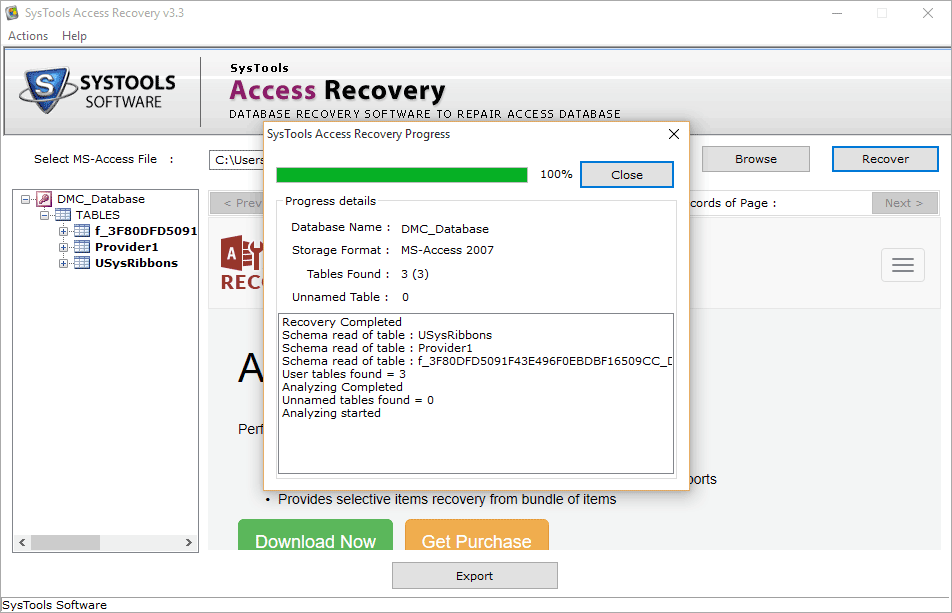
Microsoft Access MDB Fix Tool conveniently resolves corruption in Microsoft Access MDB / ACCDB file. This Access database recover tool easily repairs corrupted Access database in MS Access 2013, 2010, 2007, 2003, 2002, 2000 versions to fix database errors in Access.
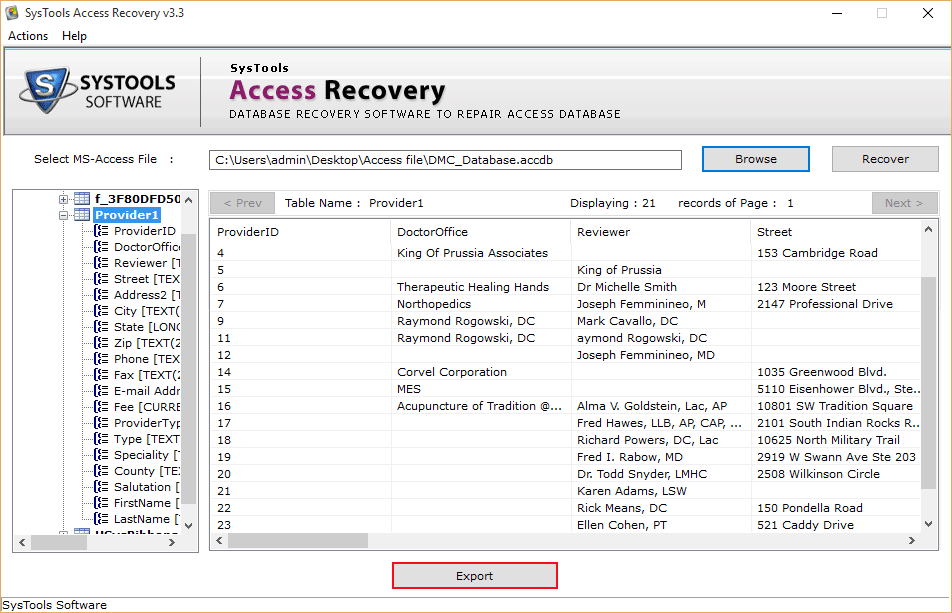
- Restores corrupted Records, Macro, Tables, Forms, Queries, etc. In Access database.
- Repair corrupted Microsoft Access database MDB / ACCDB from major corruption.
- MDB fix utility recovers table in Access, resolving the severe corruption.
- Removes the inaccessibility of MS Access database elements and fix corrupt MDB.
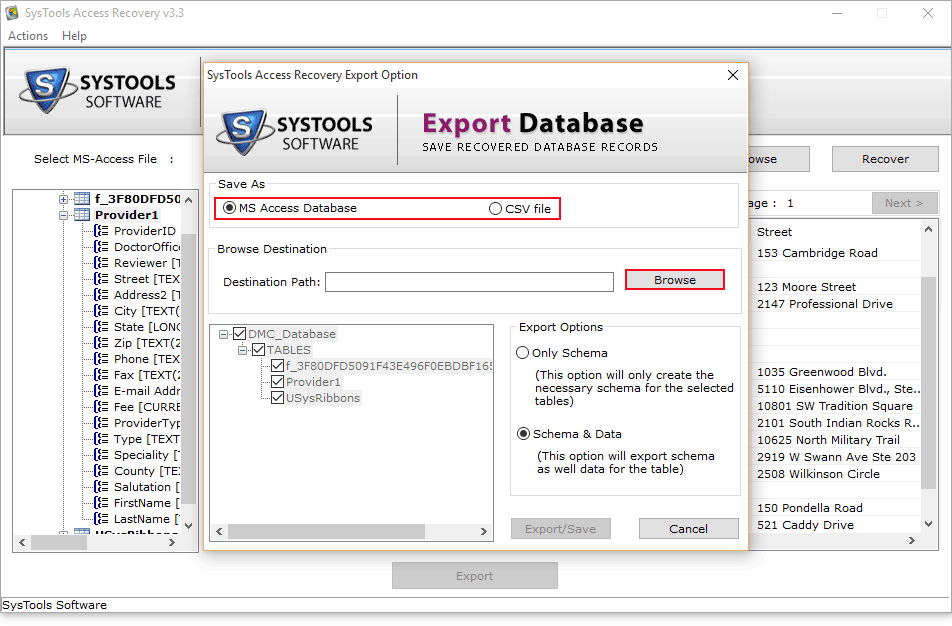
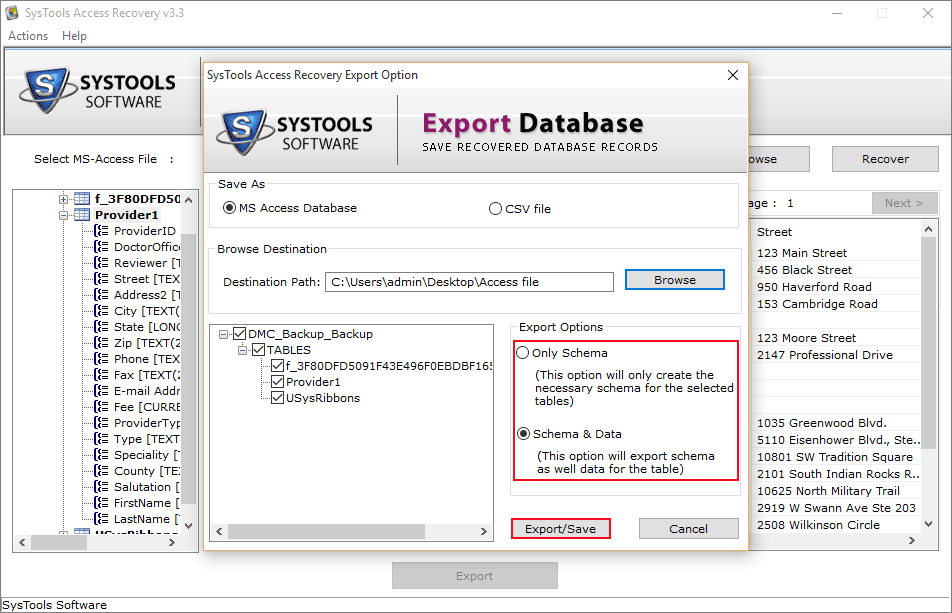
- Provides two convenient options: Only Save Schema and Save Schema along with Data.
- Smoothly runs with MS Access 2013, 2010, 2007, 2003 and all the below versions.
- MDB repair tool is compatible with Windows 10 and all the below Windows versions.
*Download Free Demo of Access MDB Recovery Tool
MDB file repair software is the best Access database repair tool to recover corrupt MS Access database and also fix “unrecognized database format MDB” kind of errors quickly. Access recovery software is an easy and effective solution for corrupt MDB file recovery, fix Access corruption and repair damaged MDB in Microsoft Access. Some of the benefits of using MDB fix tool are listed below:
- Safe and Secure Tool: Access MDB repair tool provides your data 100% security and safety. It recovers your corrupted data without any data loss or modifications.
- Client Satisfaction: The clients’ review section shows the feedbacks from users.
- Cost Efficient: MDB recovery tool is a cost efficient software that is going to provide you more output in lesser cost.
- Expertise: We provide Expert solutions with our team of skilled Professionals to look after the queries regarding MDB repair process.
*MS Access MDB Fix tool free demo version download










Nancy commented on June 24, 2018